
MyPorter
The UK’s #1 productivity tool for porters - powering the hospital’s beating heart.
MyPorter is the UK’s leading software for transforming portering services, improving patient flow and enhancing healthcare outcomes. Partnering with over 70 NHS Trusts, it streamlines porter workflows, enabling timely patient transfers, reducing delays, and freeing clinicians to focus on patient care.
Empower your portering team to deliver seamless, efficient care with MyPorter - trusted by hospitals to deliver results every day.







Features
-
Unmatched efficiency
WorkflowStreamlines workload management for timely transfers, prompt discharges and uninterrupted clinician workflows.
-
Enhanced patient outcomes
Patient flowSmoother patient journeys, reducing delays so patients reach appointments and care areas on time.
-
Smart technology integration
DevicesCombines familiar smart devices and radios with advanced task management to simplify operations.
-
Real-time insights
DataComplete visibility into tasks and services, so managers can optimise resources and maintain accountability.
-
Tailored for you
TrainingA practical, user-centric tool needing minimal training — built with input from porters and hospital managers.
-
Support from day one
PartnershipA dedicated team partners with you through installation, training and ongoing optimisation.
Measured impact
Where it works
In Emergency Departments (ED)
- Faster response times — a 20% improvement
- Saves ~1.5 minutes per task
- Trend-data insights for peak-time resourcing
- Keeps clinical staff bedside with full visibility
- Touchscreen requests completed in under 6 seconds
- Integrates with EPR for full flow control
In Radiology
- Throughput up 8.6%–28% (Northampton, Sunderland trials)
- Fewer missed appointments — patients arrive prepared, maximising table time
- Full workflow oversight to reduce backlogs
- Integrates with RIS, saving radiologists’ time
Results in the field
- Hull UTH: ED response times reduced by 1.5 min; task time −20% hospital-wide
- Sunderland: +28% radiology throughput · Northampton: +8.6%
- Hillingdon: 32 extra jobs/day; 2 extra jobs per porter per day
- Bournemouth: +29% ED tasks per day
Built for every team
Porters
- Clear task lists on robust radio devices
- Fair, automatic task allocation
Managers
- Real-time view of every job
- Trend data for peak-time staffing
Clinical teams
- Request a porter in under 6 seconds
- Status updates without phone calls
Featured case study
“A 20% reduction in porter walking time and a 9–10% increase in daily radiology scans.”
What customers say
We’ve had no failed jobs since it was introduced. It’s also made a massive difference to patient flow and the overall patient experience.”
You can’t dispute the instant impact MyPorter has had on Radiology here at Northampton — 141 extra transfers in just 21 days.”
The case in brief
Customer
Sunderland Royal Hospital, via City Hospital Independent Commercial Enterprises (CHoICE), a wholly owned subsidiary of South Tyneside and Sunderland NHS Foundation Trust.
Challenge
Radiology needed around 150 portering tasks a day, managed on hard-copy boards. That made it hard to set KPIs or spot demand peaks. Variable Wi-Fi demanded a resilient, radio-based setup.
Approach
MyPorter, built by porter managers with insight from 100+ NHS Trusts, installed on robust radio devices. Tasks are allocated automatically or via the helpdesk, with live status for every job.
At a glance
- Audience
- CEO / COO / CIO
- Suite
- Patient Flow
- Products
- MyPorter, MyCleaning, CareScan
- Evidence
- Hull UTH, Sunderland, Northampton, Hillingdon
Implementation, done properly
Every rollout follows a 56-point implementation plan overseen by a dedicated Project Manager, with in-person training plus weekly tutorials and virtual classes.
What’s included
- On-site installation and device set-up
- Training for porters, helpdesk and managers
- Ongoing support with a 100% support score
It gives us the hard data to make sure we have the right amount of staff in the right place at the right time. (Mark Turner, Portering and Security Manager, CHoICE)
A paragraph with an inline link: read the Sunderland case study.
Heading 1: one per page, normally the hero
Editors can choose Heading 1 from the format menu, so it needs a style, but the page title already uses it.
Heading 2: the main section heading
Running copy in a standard paragraph. MyPorter is the UK’s leading software for transforming portering services, improving patient flow and enhancing healthcare outcomes. Text can be bold, italic, bold and italic, struck through, or underlined with a keyboard shortcut or when pasted.
Links come in a few kinds: an internal link, an external link that opens a new tab, an email address, a phone number, a file download, and a bold link. Long web addresses must wrap on small screens: https://www.osmohealth.co.uk/proof/case-studies/sunderland-royal-hospital-portering-turnaround-times/
A paragraph with a soft line break (Shift + Enter)
continues on the next line without a paragraph gap.
Heading 3: a subsection
Special characters from the toolbar: £1.2m saved, 24/7 support, 98% compliance, 21°C, ½ the walking time, an en dash 2019–2024 and an em dash — like this. MyPorter® and CareScan™. Superscript 103 and subscript CO2.
Heading 4: a minor heading
Heading 4 is for short labelled runs of text inside a subsection.
Heading 5: a small label
Heading 5 is rarely used, but the format menu offers it.
Heading 6: the smallest label
Heading 6 is the last option in the format menu.
Lists
An unordered list, with a nested list made with the indent button:
- Live job allocation by location and skill
- Turnaround times you can report on, including:
- Patient moves
- Specimen runs and deliveries
- A longer list item that wraps onto a second line, to check the second line lines up with the text and not the marker
An ordered list, with a nested ordered list:
- Agree the scope and success measures
- Install and set up the devices
- Site survey
- Wi-Fi and device checks
- Train porters, the helpdesk and managers
- Go live with on-site support
- Review the first month’s data together
- Agree the next round of improvements
- Monthly reporting begins
- Quarterly service reviews
- Annual planning
- Ten items, to check two-digit numbers line up
Quotes
It gives us the hard data to make sure we have the right amount of staff in the right place at the right time.
Mark Turner, Portering & Security Manager, CHoICE Facilities Services
A short quote with no attribution:
Patient flow you can see.
Images
An image at full width with no alignment (Align: None):
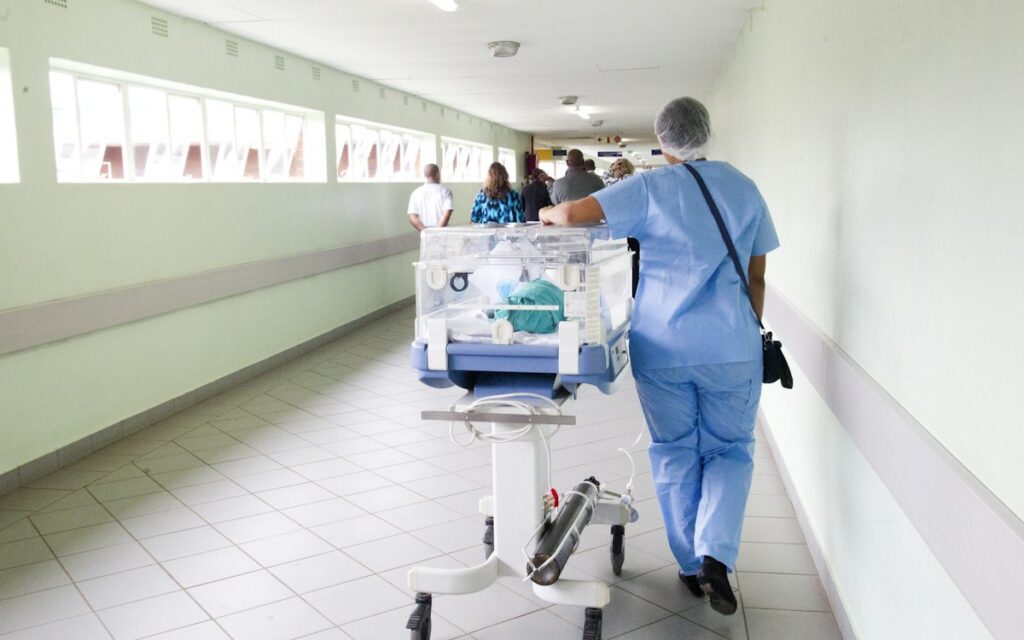
An image with a caption, aligned left. The text wraps around it. Captions are added in the image details.

Hand hygiene audits completed on the ward with MyAudit.
Paragraphs continue beside a left-aligned image until there is no more room. MyAudit replaces paper audits with a simple mobile workflow, so infection prevention teams can see results as they happen and act on them the same day.
A second paragraph keeps wrapping. Audits can be scheduled, assigned and completed on the ward, and the results feed straight into reporting for the trust’s IPC committee.
A heading after a floated image clears it

Aligned right, with a caption.
Text wraps on the left of a right-aligned image. Every move, clean and audit feeds the same picture, so bed managers know what is ready and what is waiting. Trusts use it to cut the time between discharge and the next admission.
On mobile, aligned images drop to full width above the text.

Aligned centre with a caption. Captions can run to two lines when the photographer or source needs crediting as well as the description.
A linked image (it opens the full-size file):
Gallery
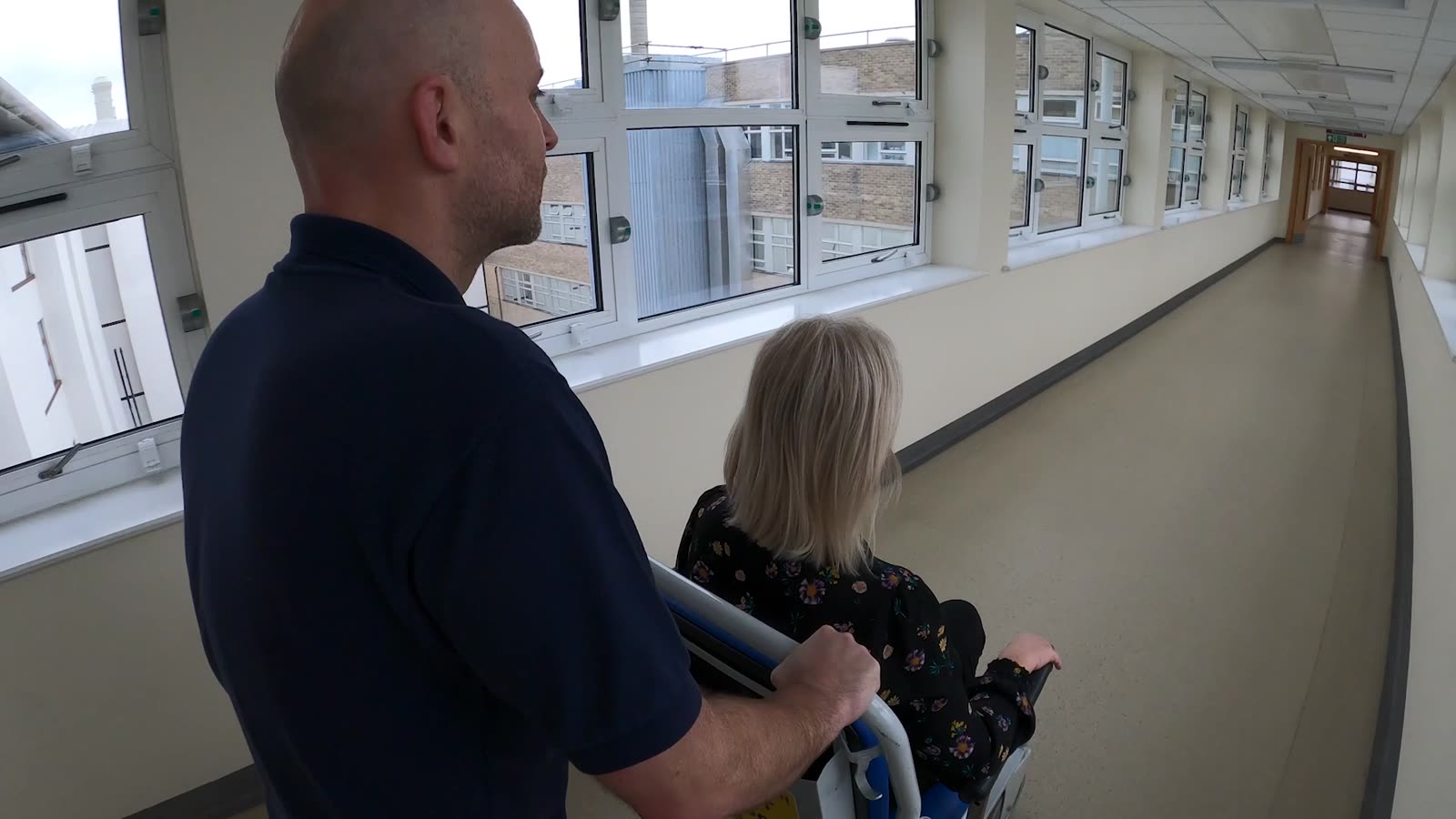
A gallery made with Add Media, Create gallery (three columns):
-

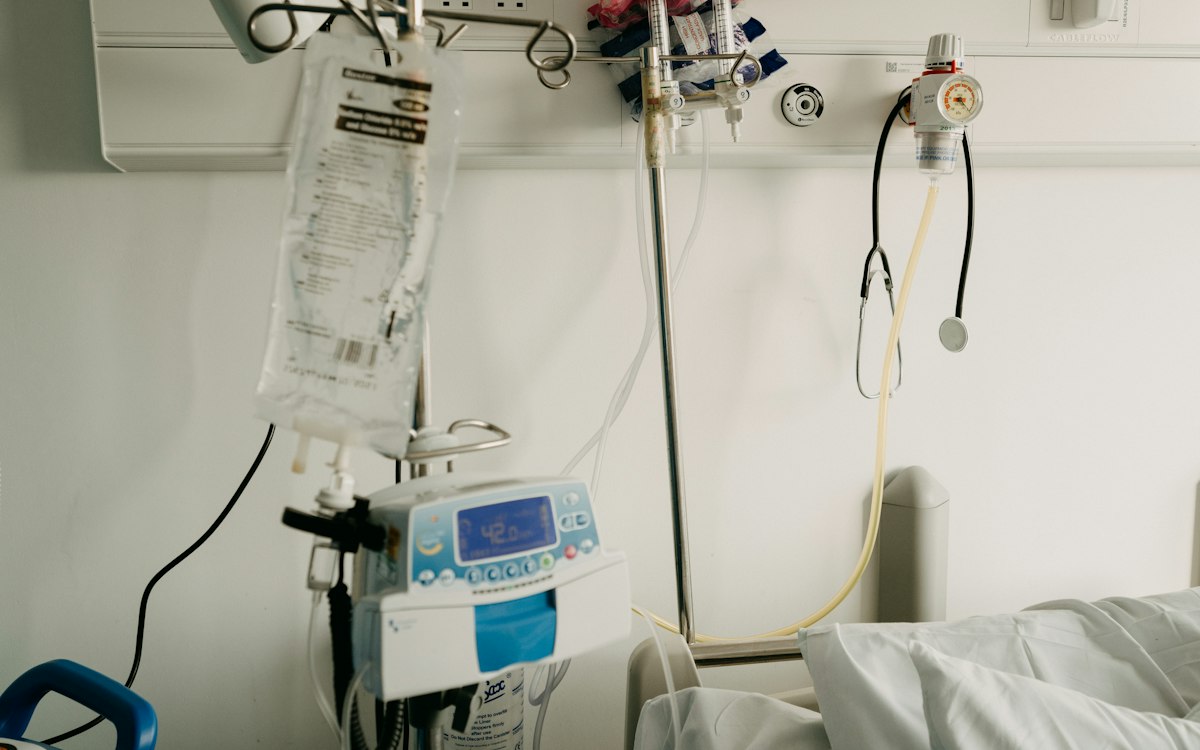
- Ward audit

-

- Renal unit
Video and embeds
A video file from the media library (Add Media):
A YouTube link pasted on its own line becomes an embed:
Alignment, indents and dividers
A centred paragraph, from the align centre button.
A right-aligned paragraph.
An indented paragraph, from the indent button.
A horizontal line (above) from the toolbar.
Preformatted text
Preformatted text keeps its spacing:
  Ward 12    08:00   Patient move   Complete
  Ward 7     08:14   Specimen run   In progress
Pasted content
These aren’t on the toolbar, but they arrive when copy is pasted from Word or a web page.
| Measure | Before | After |
|---|---|---|
| Porter task time | 34 minutes | 27 minutes |
| Jobs completed on time | 71% | 94% |
| Radiology throughput | Baseline | +18% |
Inline code, small print, a highlight, an IPC abbreviation, and text given a colour with the text colour button.
The empty paragraph above is what an editor leaves behind by pressing Enter twice.
The last paragraph in the block, to check there is no extra space at the bottom.
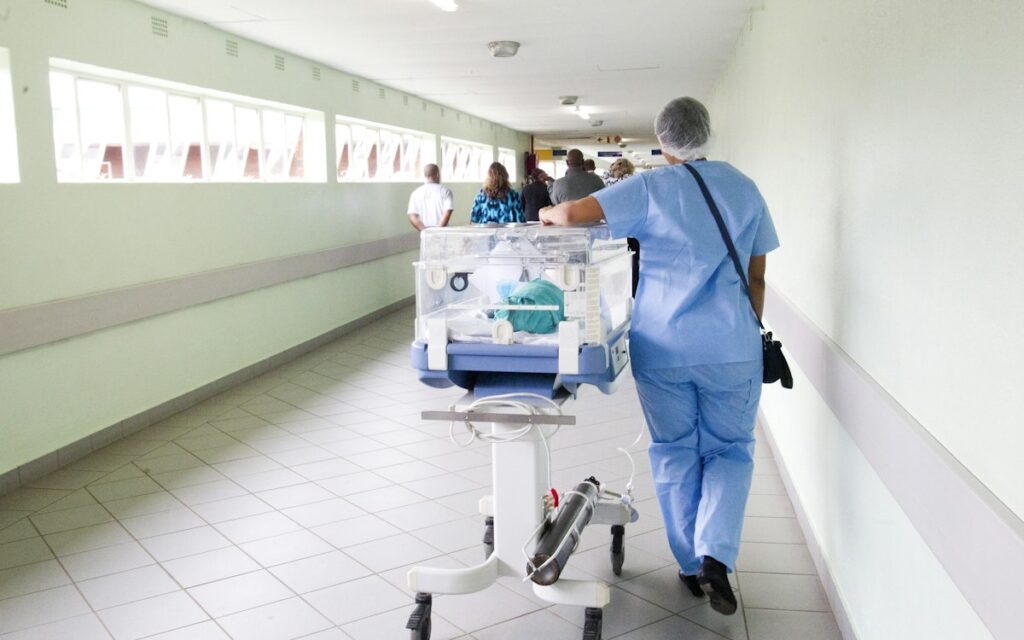
Built for the way porters work
MyPorter replaces radios and whiteboards with one live view of every job, so requests reach the right porter first time.
- Live job allocation by location and skill
- Turnaround times you can report on
- Works on the devices your team already carries
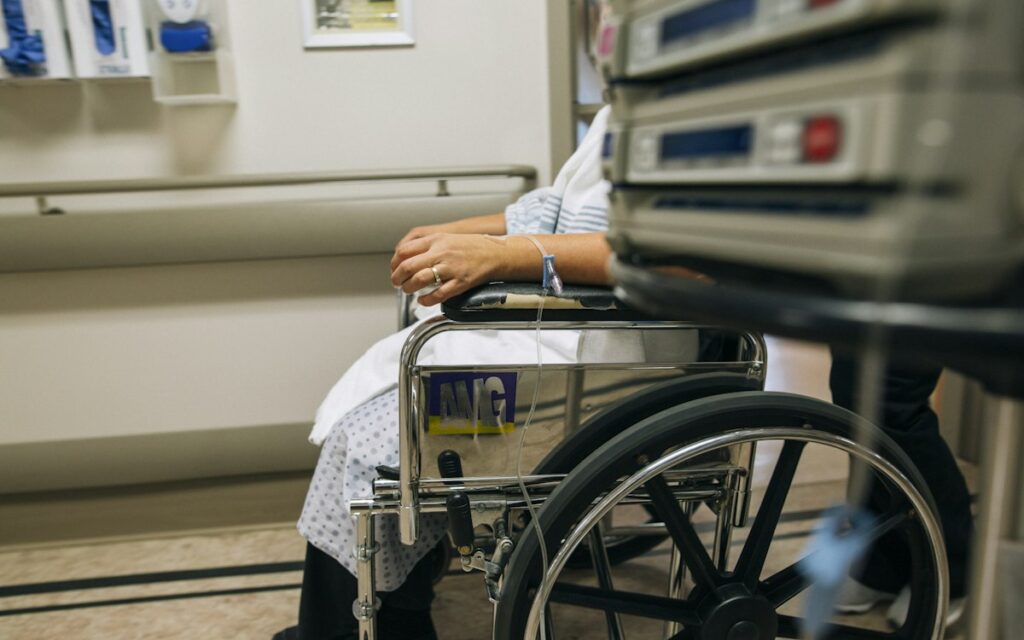
Patient flow you can see
Every move, clean and audit feeds the same picture, so bed managers know what is ready and what is waiting.
Trusts use it to cut the time between discharge and the next admission.
See the outcomes